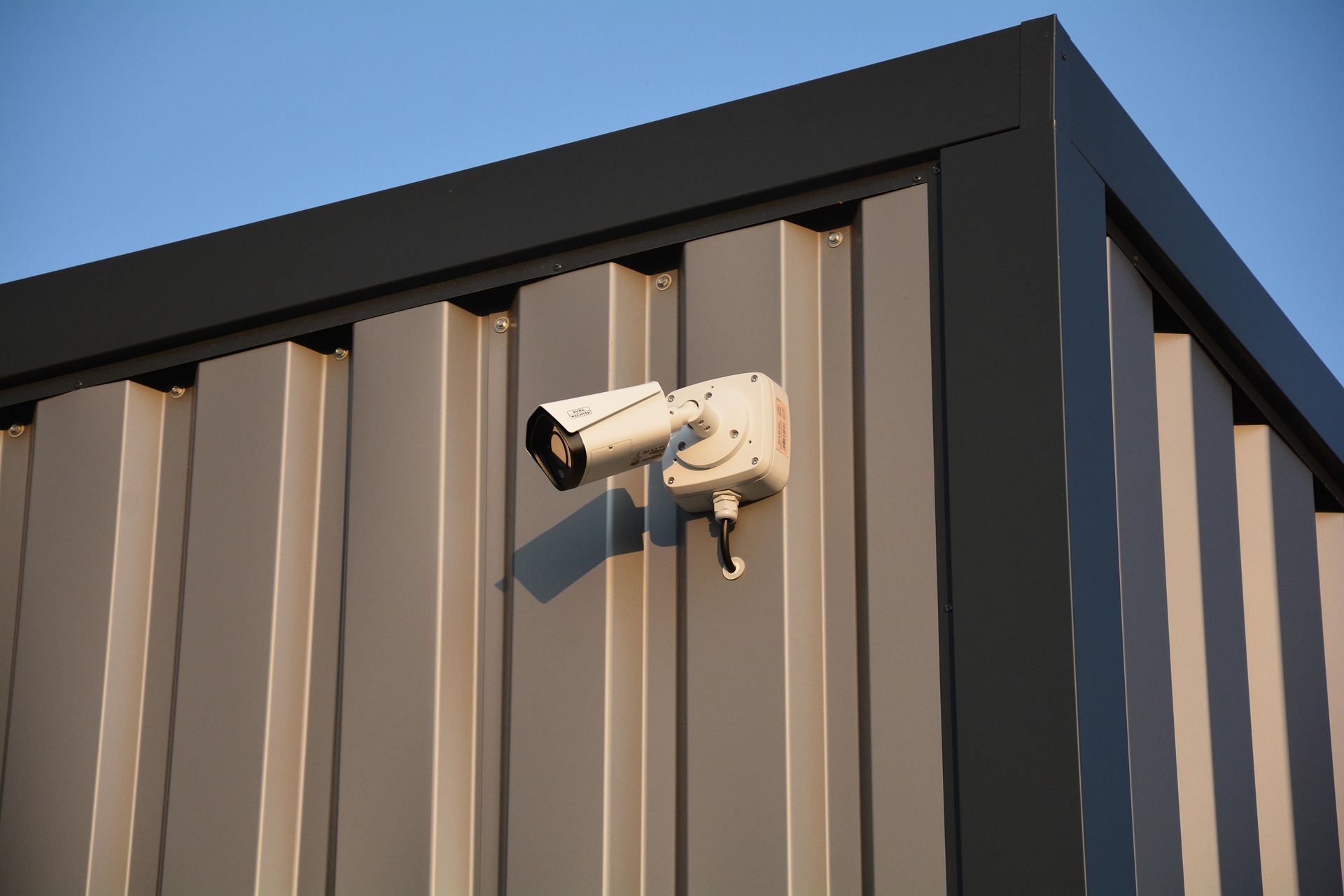
How to Configure Tiandy IP Cameras: A Complete Guide by Odeguard Solutions
Published by Odeguard Solutions
A well-configured CCTV system is the backbone of effective security. Whether you're protecting your home, business, school, hospital, or commercial property, understanding how to configure Tiandy IP cameras correctly is essential for achieving clear video, reliable recording, secure remote access, and long-term performance.
At Odeguard Solutions, we specialize in the installation, configuration, and maintenance of Tiandy CCTV systems across Kenya. Our technicians have successfully deployed surveillance systems for homes, businesses, institutions, and industrial facilities, and we've learned that proper configuration is just as important as choosing the right camera.
In this guide, we'll share the same best practices our professionals use in the field to help you configure your Tiandy IP cameras correctly and avoid costly mistakes.
Why Proper Tiandy IP Camera Configuration Matters
A high-quality camera alone cannot guarantee a reliable surveillance system. Incorrect settings, poor network design, or low-quality installation materials can result in:
• Blurry or unstable video
• Cameras disconnecting from the network
• Recording failures
• Slow or unreliable remote viewing
• Increased maintenance costs
• Security vulnerabilities
At Odeguard Solutions, we've resolved many of these issues for clients who initially experienced problems due to poor installation or incorrect configuration. Taking the time to configure your system properly from the beginning saves time, money, and frustration in the future.
What You'll Need Before Configuring a Tiandy IP Camera
Before starting, ensure you have the following equipment:
• Tiandy IP camera(s)
• Tiandy NVR (recommended) or an ONVIF-compatible NVR
• Pure copper CAT6 Ethernet cable
• PoE switch or PoE-enabled NVR
• Surveillance-grade hard drive
• Stable local network
• Laptop or desktop computer
Every installation completed by Odeguard Solutions begins with selecting high-quality components. Using reliable equipment significantly reduces network issues and improves the long-term performance of your CCTV system.
Step-by-Step: How to Configure Tiandy IP Cameras
Step 1: Connect the Camera
Connect your Tiandy IP camera to a PoE switch or a PoE-enabled NVR using a pure copper CAT6 cable. If your camera requires external power, connect the recommended power adapter before proceeding.
Once powered, confirm that the camera has started successfully.
Step 2: Activate the Camera
Connect your computer to the same network as the camera.
Using the Tiandy configuration software or web interface, locate the camera and activate it if prompted. During activation, create a strong administrator password that combines uppercase letters, lowercase letters, numbers, and special characters.
At Odeguard Solutions, changing the default password is one of the very first steps we perform during every CCTV installation because it greatly improves system security.
Step 3: Assign a Static IP Address
Each camera should have its own static IP address within the same subnet as the Network Video Recorder (NVR).
Using static IP addresses helps:
• Prevent IP conflicts
• Simplify troubleshooting
• Improve system stability
• Make future expansion easier
Our technicians at Odeguard Solutions document every IP address during installation, making future maintenance and upgrades much more efficient.
Step 4: Configure Video Quality
Choose image settings based on your surveillance needs.
Recommended settings include:
• 2MP – Ideal for homes and small offices
• 4MP – Excellent balance between image quality and storage
• 5MP and above – Suitable for businesses, schools, and large facilities
Enable H.265 or H.265+ compression whenever possible to reduce storage requirements while maintaining excellent image quality.
At Odeguard Solutions, we tailor these settings according to each client's storage capacity, network bandwidth, and security requirements.
Step 5: Add the Camera to Your NVR
If you're using a Tiandy NVR, the camera may be detected automatically. Otherwise:
• Search for the camera on the network.
• Enter its IP address.
• Provide the username and password.
• Save the configuration.
After adding the camera, verify that live video is displayed correctly.
Step 6: Test the Entire System
Before completing the installation, test:
• Live video
• Recording
• Playback
• Motion detection
• Mobile remote viewing
• Night vision performance
At Odeguard Solutions, every CCTV system undergoes a complete performance test before it is handed over to the client. This ensures that every component functions as expected from day one.
Best Practices for Configuring Tiandy IP Cameras
Following industry best practices helps maximize the reliability and lifespan of your CCTV system.
Use High-Quality Network Cable
One of the most common issues our technicians encounter is poor-quality Copper Clad Aluminium (CCA) cable.
Instead, always use pure copper CAT6 cable, which provides:
• Better data transmission
• Stable PoE performance
• Fewer connection failures
• Lower maintenance costs
Although quality cable may cost slightly more initially, it offers significant long-term savings.
Use Power over Ethernet (PoE)
Power over Ethernet simplifies installation by transmitting both power and data through a single cable.
Benefits include:
• Cleaner cable management
• Reduced installation costs
• Easier maintenance
• Improved reliability
Always ensure your PoE switch has sufficient power to support all connected cameras.
Secure Your CCTV System
Cybersecurity is an essential part of modern surveillance.
At Odeguard Solutions, we recommend:
• Changing default passwords immediately
• Using strong administrator credentials
• Creating separate user accounts where appropriate
• Updating firmware regularly
• Restricting unnecessary remote access
These measures significantly reduce the risk of unauthorized access.
Common Mistakes to Avoid
Many CCTV problems are entirely preventable.
Avoid these common mistakes:
• Using low-quality Ethernet cable
• Leaving default passwords unchanged
• Overloading PoE switches
• Ignoring hard drive health
• Skipping firmware updates
• Running network cables alongside high-voltage electrical wiring
• Mixing different CCTV brands without understanding compatibility limitations
Our maintenance team at Odeguard Solutions frequently resolves these issues for clients whose systems were installed without following industry best practices.
Frequently Asked Questions
Can Tiandy IP cameras work without the internet?
Yes. Tiandy cameras can record to a local NVR without internet access. An internet connection is only required for remote viewing, cloud services, and mobile notifications.
Can Tiandy cameras work with Hikvision or Dahua NVRs?
Most Tiandy cameras support the ONVIF protocol, allowing them to work with many third-party NVRs. However, certain advanced features, such as AI analytics and smart event detection, may only be fully available when paired with a Tiandy NVR.
What cable should I use?
For maximum reliability, Odeguard Solutions recommends pure copper CAT6 cable because it delivers superior data transmission and PoE performance compared to Copper Clad Aluminium (CCA) cable.
How often should firmware be updated?
Check for official firmware updates periodically to improve security, fix software bugs, and enhance performance. Always back up your settings before installing updates.
Why Choose Odeguard Solutions?
Choosing the right installer is just as important as choosing the right CCTV equipment. At Odeguard Solutions, we provide complete CCTV solutions tailored to the unique security needs of every client. Our team combines technical expertise, quality equipment, and professional workmanship to deliver surveillance systems that perform reliably for years.
Our services include:
• Tiandy CCTV installation
• Hikvision CCTV installation
• Dahua CCTV installation
• IP camera configuration
• NVR installation and programming
• Remote viewing setup
• Network design for CCTV systems
• CCTV maintenance and repairs
• Security system upgrades
• Technical support for homes, businesses, schools, hospitals, and institutions
We proudly serve clients across Kisii, Migori, Kisumu, Kericho, Bomet, Litein, Homa Bay, Siaya, Nairobi, and surrounding regions.
Final Thoughts
Learning how to configure Tiandy IP cameras correctly is the first step toward building a dependable surveillance system. By following the best practices outlined in this guide, you'll improve image quality, enhance system reliability, strengthen cybersecurity, and reduce future maintenance costs.
If you'd rather leave the installation to experienced professionals, Odeguard Solutions is here to help. From system design and equipment selection to installation, configuration, maintenance, and ongoing technical support, we deliver security solutions that protect what matters most.
Contact Odeguard Solutions today to discuss your CCTV project and discover how our expert team can help you build a smarter, safer, and more reliable surveillance system.
https://odeguard.co.ke/>
Mobile: +254 707 853 641
Comments (0)
Be the first to comment on this article.